

Results are
- Login to your account
- Click on 'My Menu'
- Select the delivery day of the week you'd like to skip, then click 'Edit Delivery'.
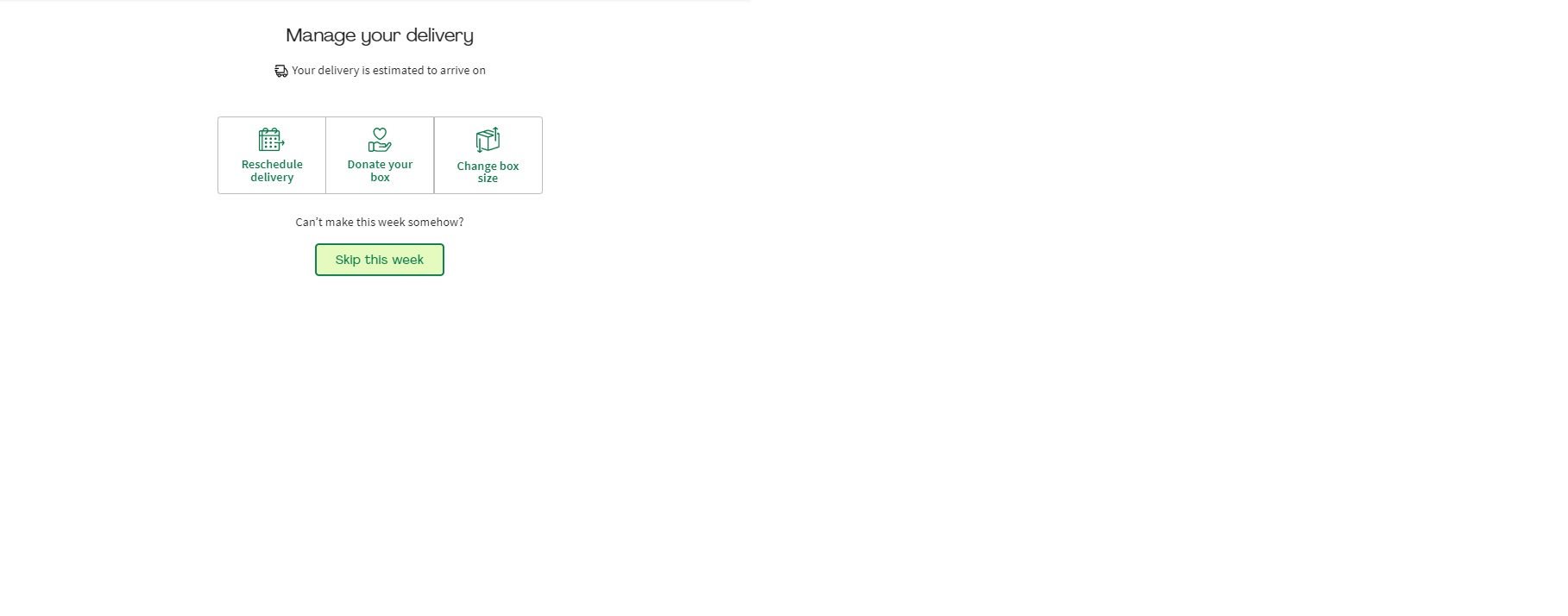
- Then select 'Skip this week' from the banner that appears.
- If you have a multi-week discount or credit on your account, don't worry! The discount will still stay intact and only apply to the weeks that you order, until expired.
*Just be sure to let us know by 11.59pm PST 5 days prior to your next scheduled delivery so we can alert our suppliers.
- Log in to your account on the app.
- Click on Home.
- Choose the delivery week that you will like to skip.
- Select Edit Delivery and then select Skip this week.
Just be sure to pause/cancel by 11:59 pm PST 5 days prior to your next scheduled delivery so we can alert our suppliers.
Did you know you can skip a delivery week instead? Here’s how:
- Log in to your account.
- Click on My Menu.
- Select the delivery day of the week you’d like to skip, then click Edit Delivery.
- When the banner appears, click Skip This Week
But if you’d prefer to cancel, you can do so by clicking HERE. Please follow all of the prompts on the screen to finalize.
Just be sure to pause/cancel by 11:59 pm PST 5 days prior to your next scheduled delivery so we can alert our suppliers.
If you’re thinking about canceling, please keep in mind that most credits, including referral bonuses, promotional offers, and credits issued by customer care are only available while your account is active and will be removed upon cancellation of your subscription.
Don't worry about surprises, during the cancellation process, you will see a summary screen showing the exact amount of HelloFresh Cash you will lose if you proceed.
Please note that we unfortunately cannot process box cancellations requested after the cut-off date. You will be responsible for all charges incurred for already processed orders.
Pro tip: You can reactivate your account anytime by logging back in and clicking the Reactivation button. Hope to see you again soon!
All active customers can easily customize their menu up to 5 days prior to their next scheduled delivery date. Here’s how:
Log in to your account on the app.
Click on the Profile icon at the bottom right-hand corner.
Select 'Edit' on the tab labelled Preference Settings.
Scroll down to the Delivery section.
Click the Edit button for 'Delivery Address'.
Edit your address and don't forget to leave delivery instructions!
Click Save. Please note that changes will apply to the upcoming delivery that has yet to be billed for.
Note: While many swaps are included, some premium upgrades may come with a small additional surcharge. You'll always see the price clearly listed before you confirm your switch!